
Tutorial
How to use Play mode during an Age of Sigmar game
Last updated:
Play turns the army list you built into a game screen: wounds, lasting spells and prayers, and the abilities for the phase you are in. It is the same list, so there is nothing to copy. Everything stays on your device. No account.
New listBefore you start
- A saved army list. If you do not have one, follow how to build an Age of Sigmar army list first.
Step 1: Open Play from your list
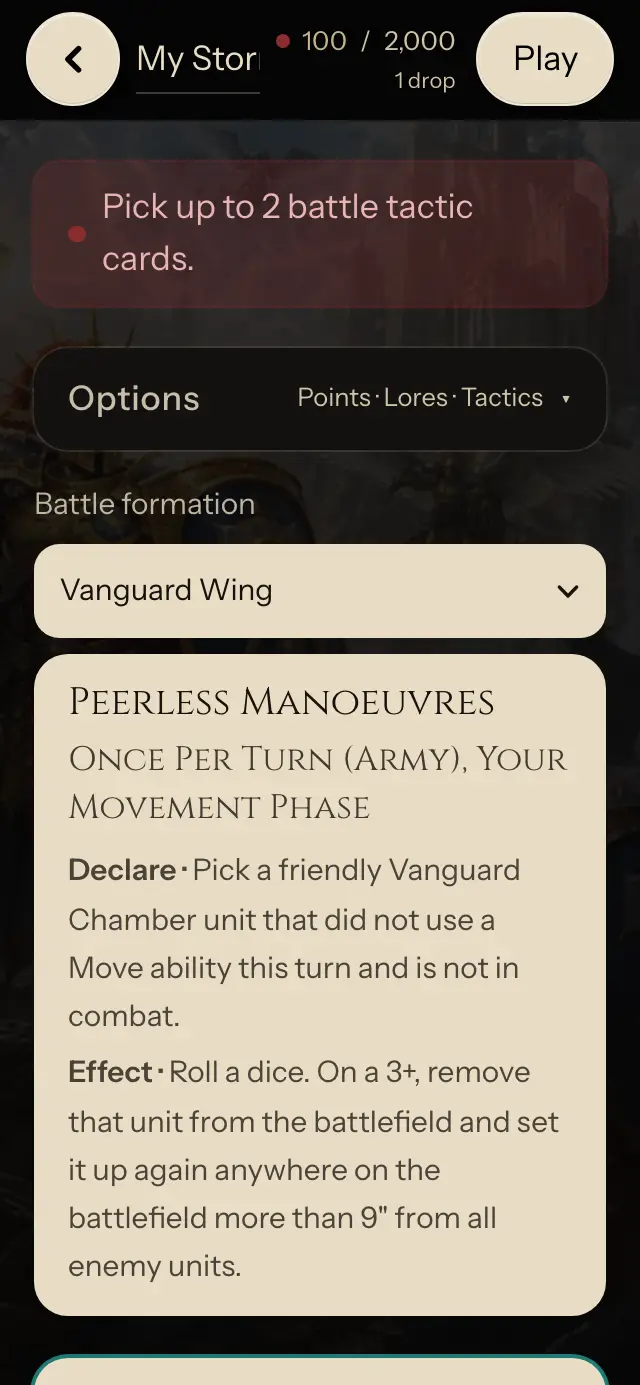
Open a saved list from My lists and tap Play at the top right of your list. The same list switches to Play: nothing to copy, and you can go back to building at any time.
Step 2: Track wounds on each unit
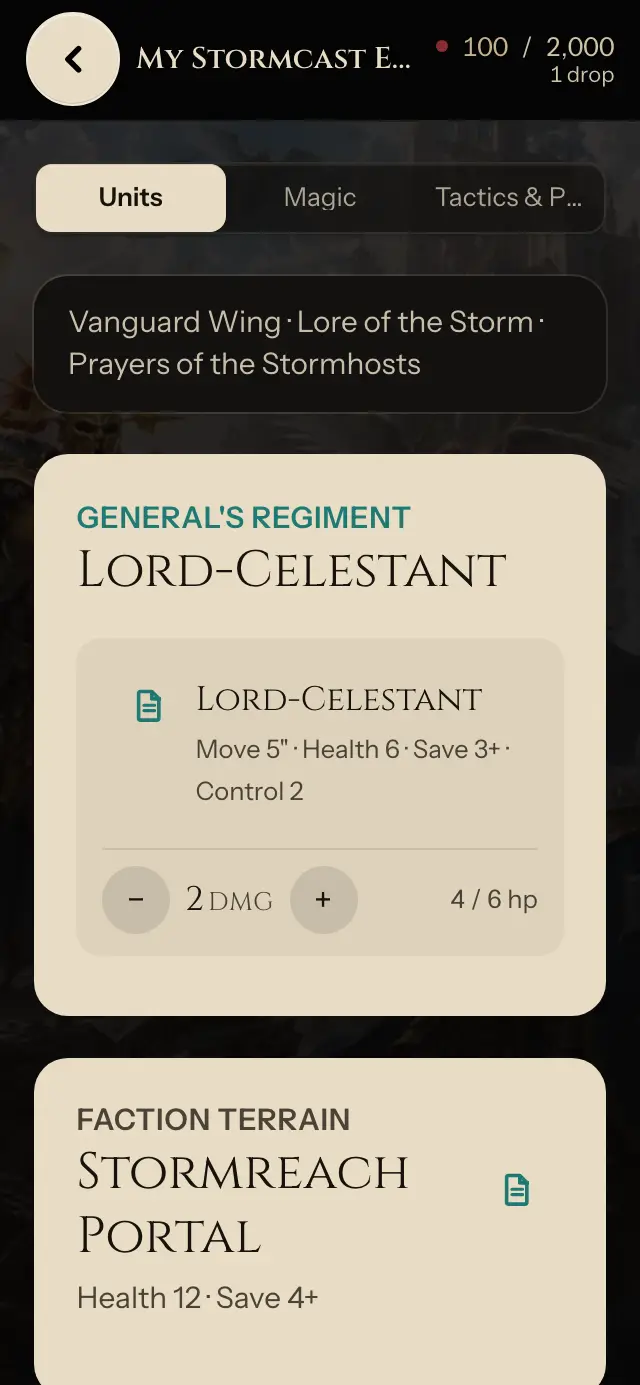
Units shows every regiment with its health. Tap the wound tracker to mark damage as the unit takes it; leftover models update on their own.
Step 3: Mark lasting spells and prayers
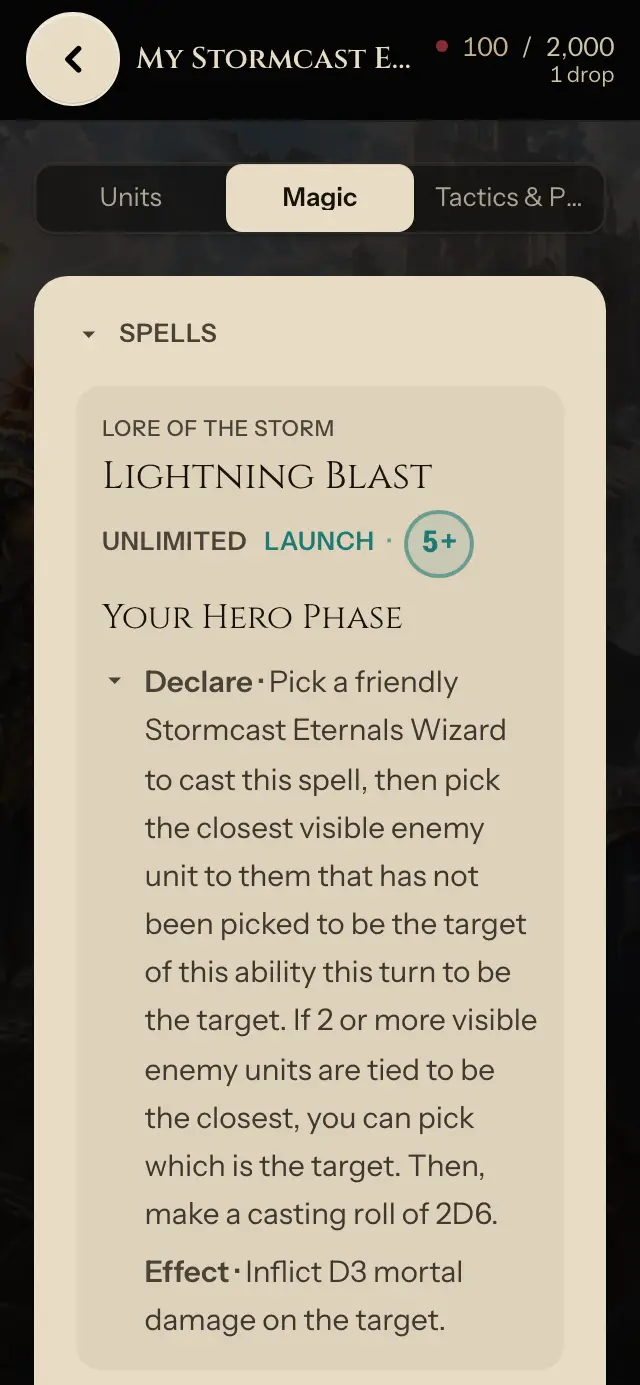
Magic lists your spells and prayers with their casting or chanting value and what they do. For one that buffs a unit, pick that unit as the target so you still see the effect when combat starts.
Step 4: Read abilities for the current phase
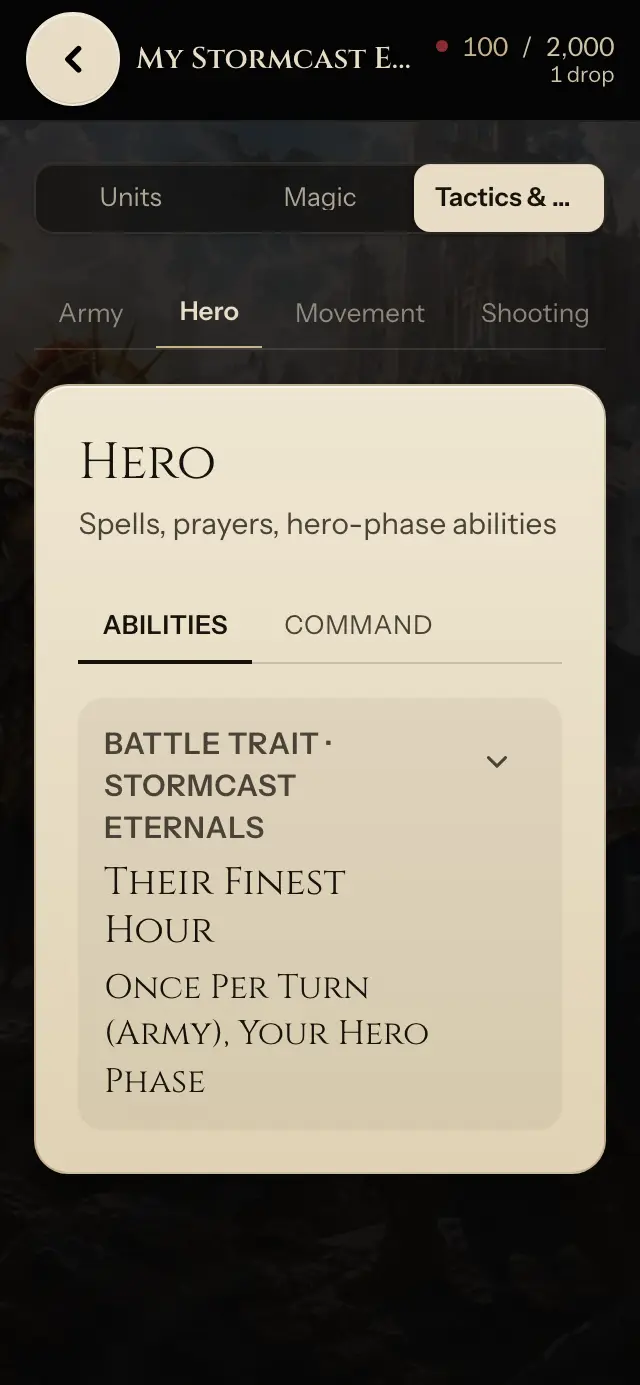
Tactics & Phases splits the turn: Hero, Movement, Shooting, Charge, Combat, End of turn. Pick the phase you are in to see the abilities, commands, and weapons that apply now.
Keep score too
Add the same list to Battle record to score turns, objectives, and battle tactics, and open the list from the scoreboard.