
Guide
How to use Battle record with your Age of Sigmar army list
Last updated:
Battle record keeps score for an Age of Sigmar 4th edition game: the battleplan, whose turn it is, primary objectives, battle tactics, and victory points for both players. Add the army list you built in Order of Battle and its name, points, and tactics come with it. Tap your army name on the scoreboard to open Play mode with your units, so you never switch apps mid-game. Games stay on your device. No account.
Add your army to Battle recordBefore you start
- A saved army list helps but is optional. If you do not have one, follow how to build an Age of Sigmar army list first.
- Your opponent's name and army.
- The battlepack you are playing. Scourge of Aqshy games also track fury and rage (see the Scourge of Aqshy guide).
Step 1: Open Battle record
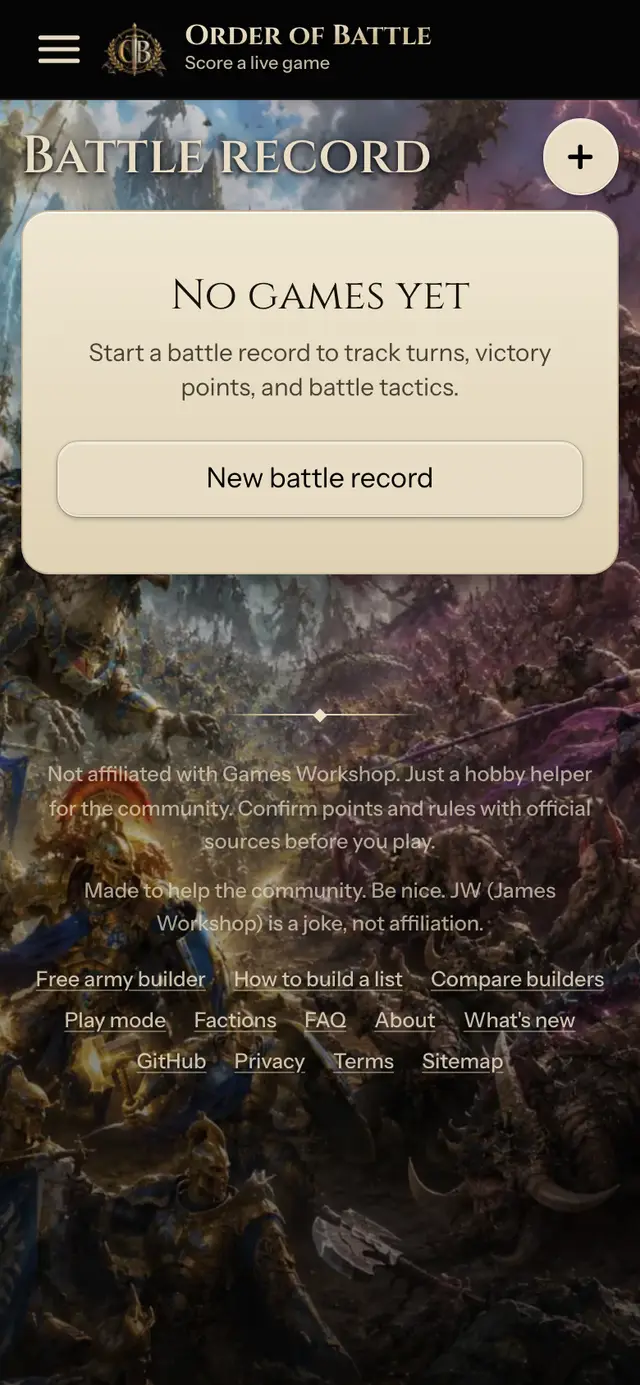
Open the menu and tap Battle record. Every game you track is saved on this device, next to your lists.
Step 2: Start a new battle record
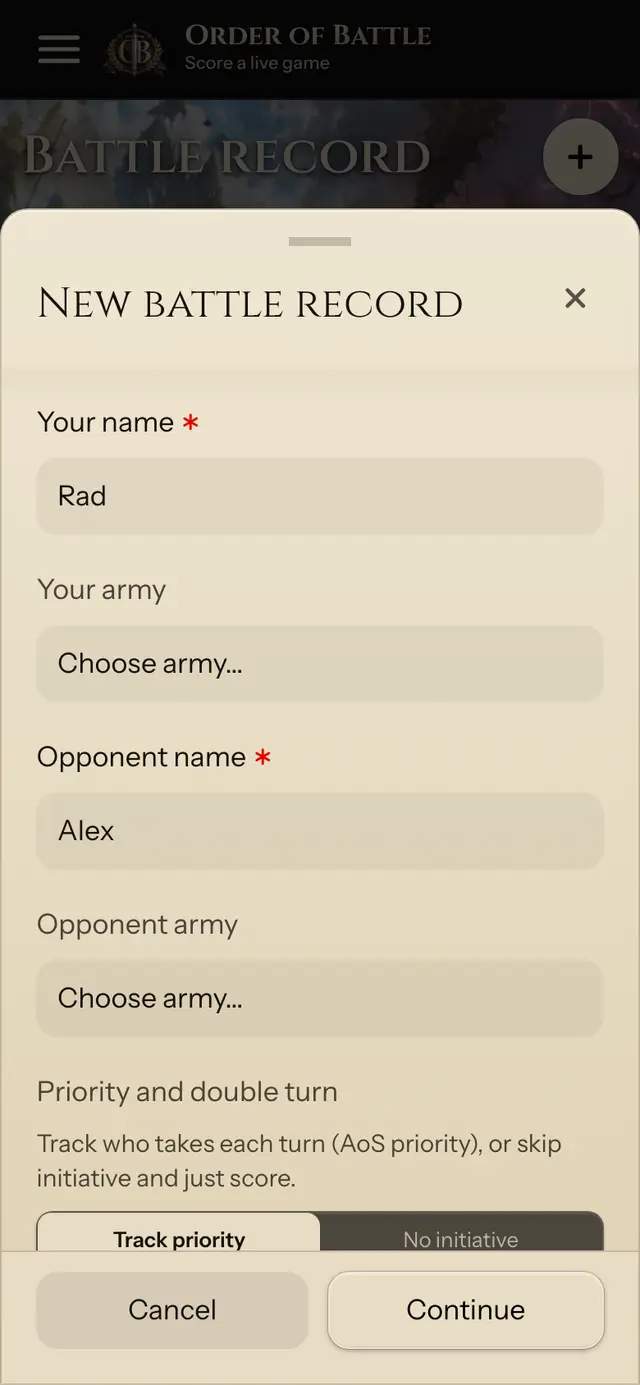
Tap New battle record. Put your name and your opponent's name. Double turn and command points are on by default; switch them off if your group does not use them.
Step 3: Add your army list
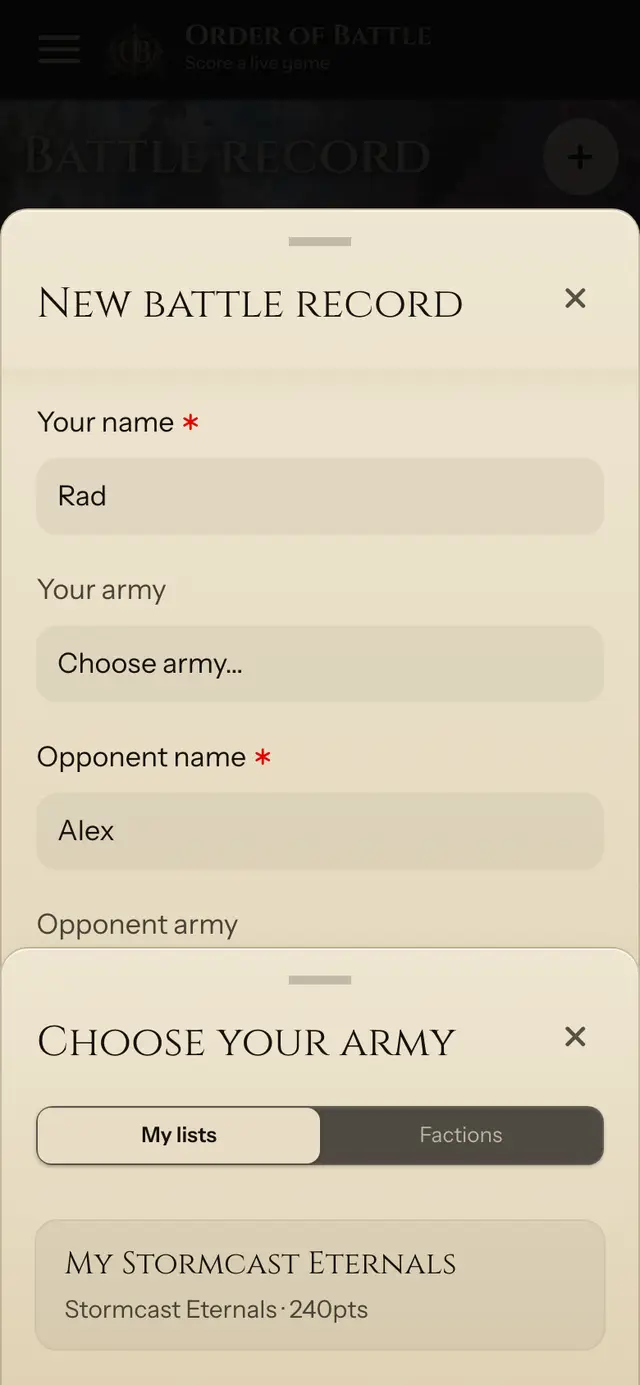
Tap Your army and stay on My lists. Pick the list you built: its name, points, and the battle tactics you chose come with it. No saved list? Switch to Factions and pick the army by name.
Step 4: Set up the battle
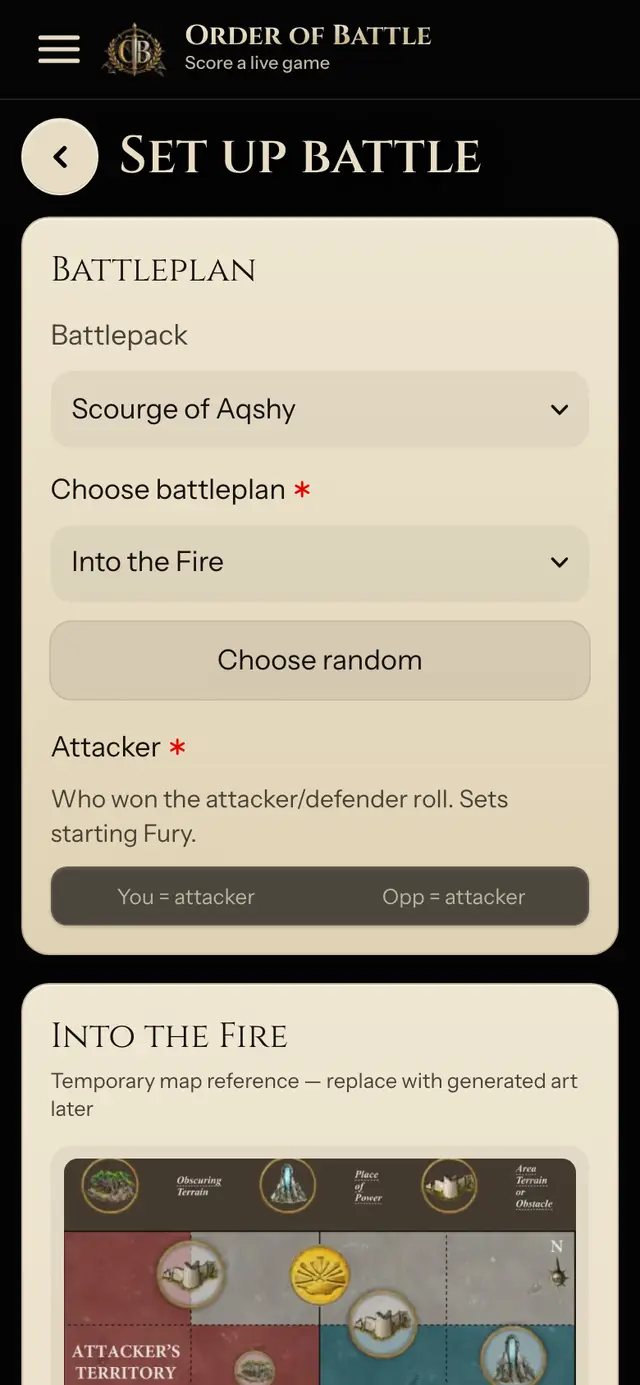
Tap Continue. Pick the battlepack and battleplan (or tap Choose random), set who is the attacker, check the map, then tick the battle tactics each player brings.
Step 5: Score each turn
Tap Start game. Each turn, pick who went first and tap the objectives and battle tactics each player scored. The match score updates for both players and everything saves as you go.
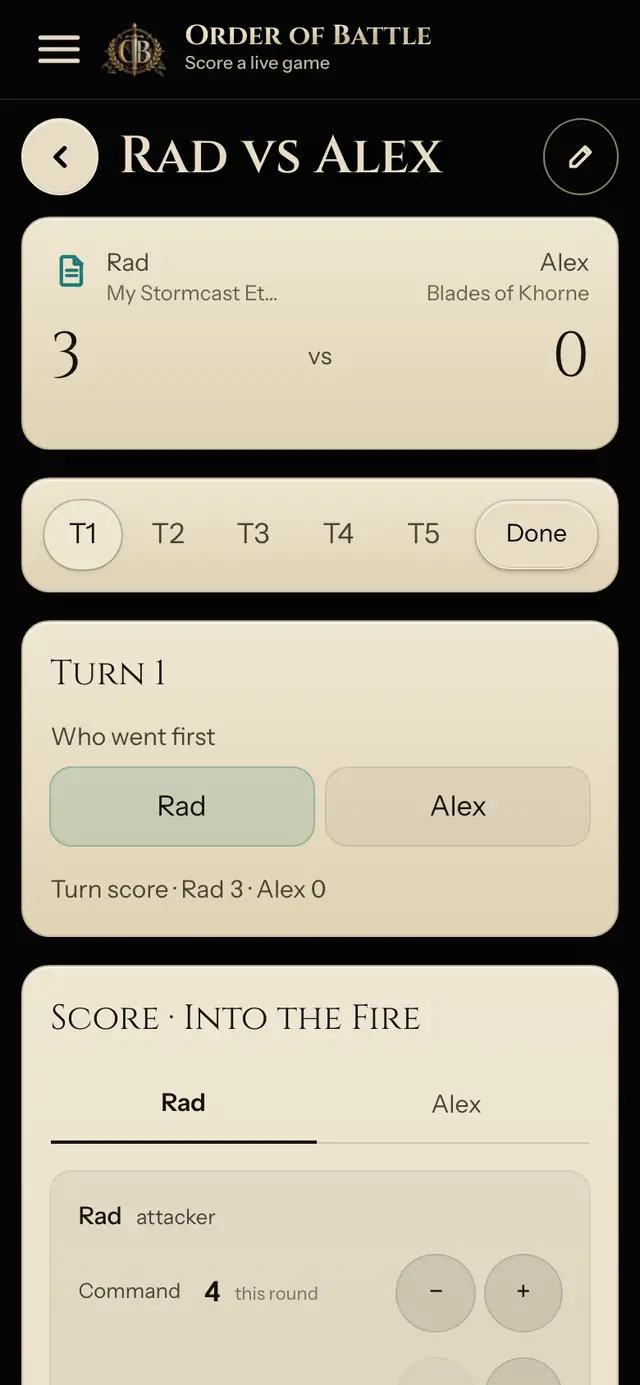
Play mode inside Battle record
When your army comes from a saved list, your army name on the scoreboard shows a datasheet icon. Tap it and Play opens as a full-page sheet over the score: your units, wounds, spells, and phase abilities. Close it and you are back on the same turn. No switching between apps or tabs.
After the game
Finished games stay in Battle record, marked Done with the final score.
Add your army to Battle record