
Tutorial
How to use Combat Calculator for Age of Sigmar
Last updated:
Combat Calculator tells you what an attack is likely to do before you roll it. Pick who attacks and who defends, and it reads weapons, saves, and abilities from the catalogue. No account.
Open Combat CalculatorStep 1: Open Combat Calculator
Open the menu and tap Combat Calculator. It works from the catalogue, so you do not type in any stats.
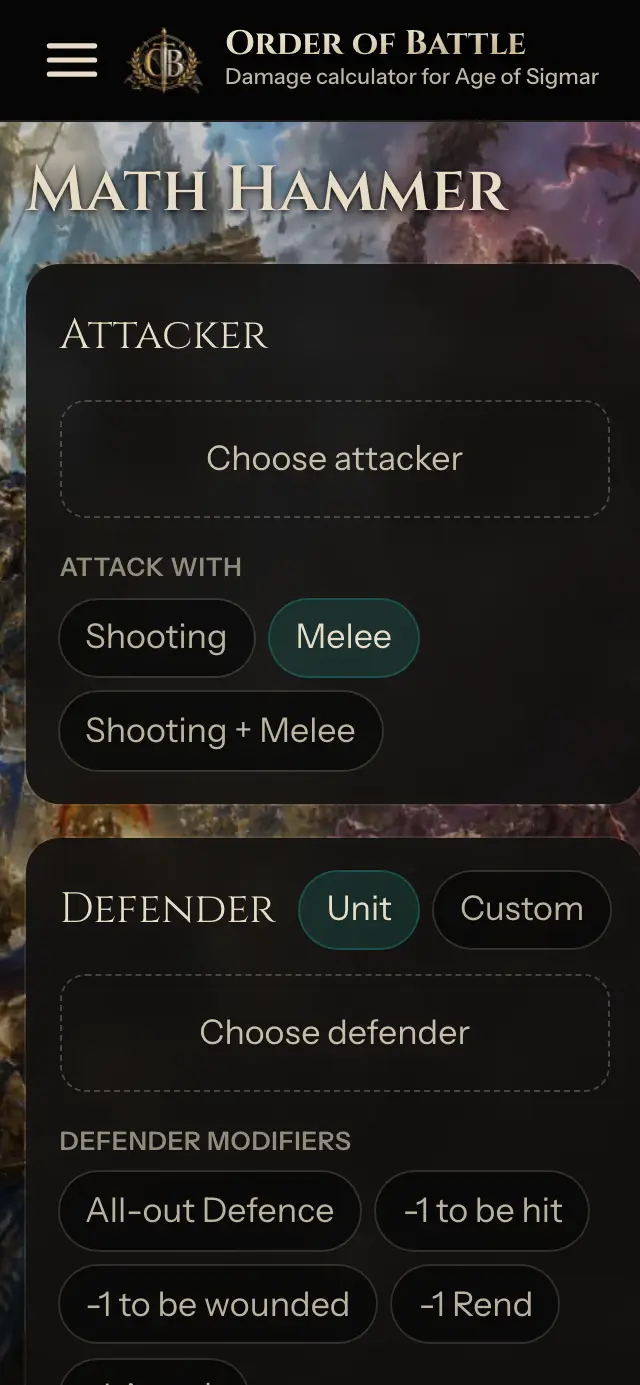
Step 2: Pick the attacker
Under Attacker, pick a faction and one or more units. Add several units to see what they do together, and choose whether they shoot or fight in melee.
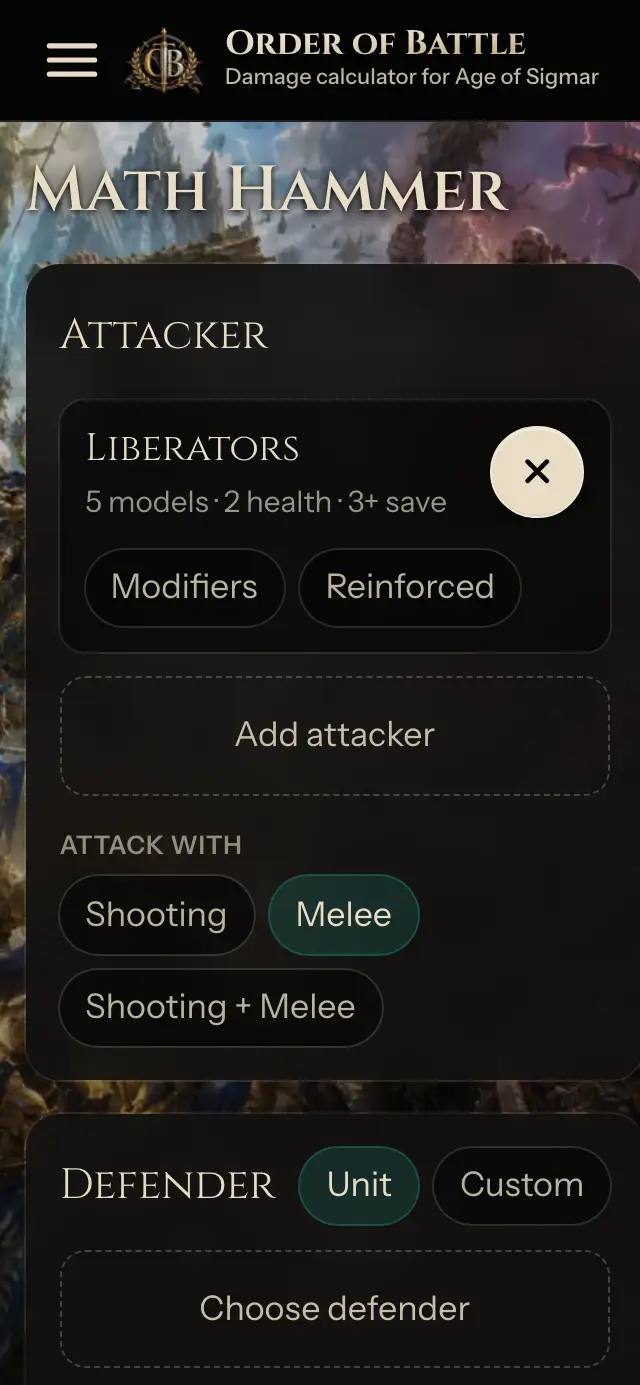
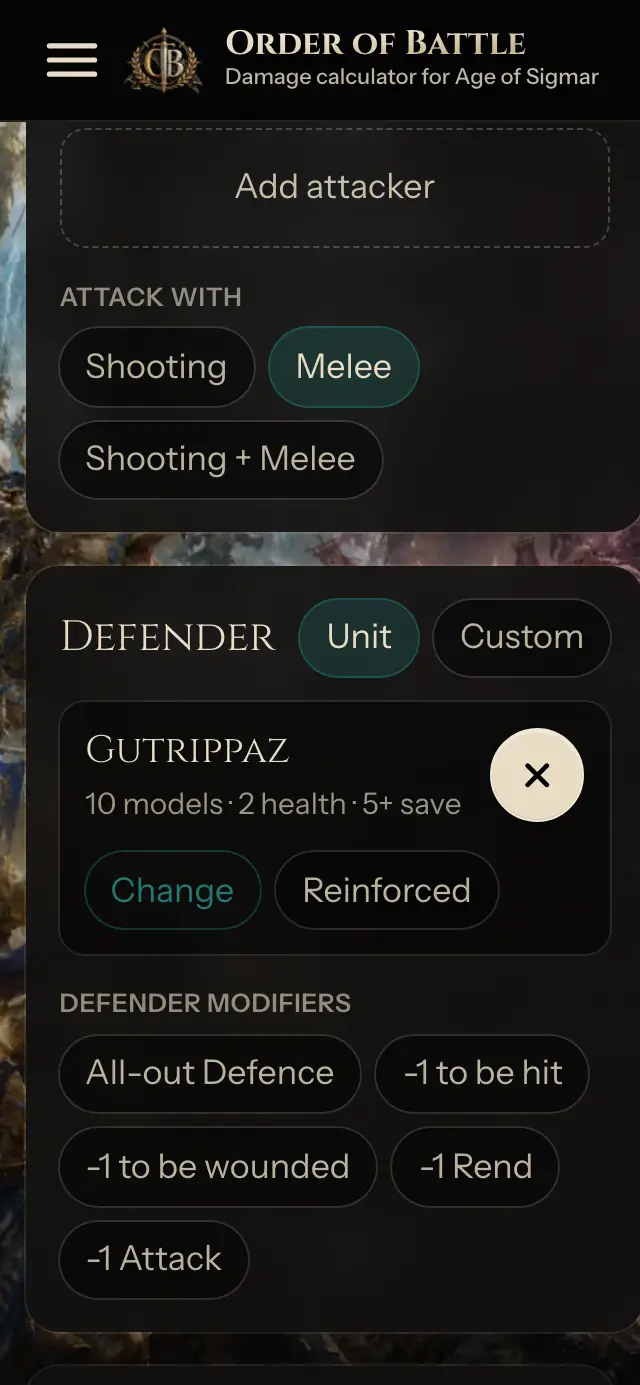
Step 3: Pick the defender
Under Defender, pick the unit you are attacking. Its save, ward, health, and model count come with it. Switch to Custom to type your own profile instead.
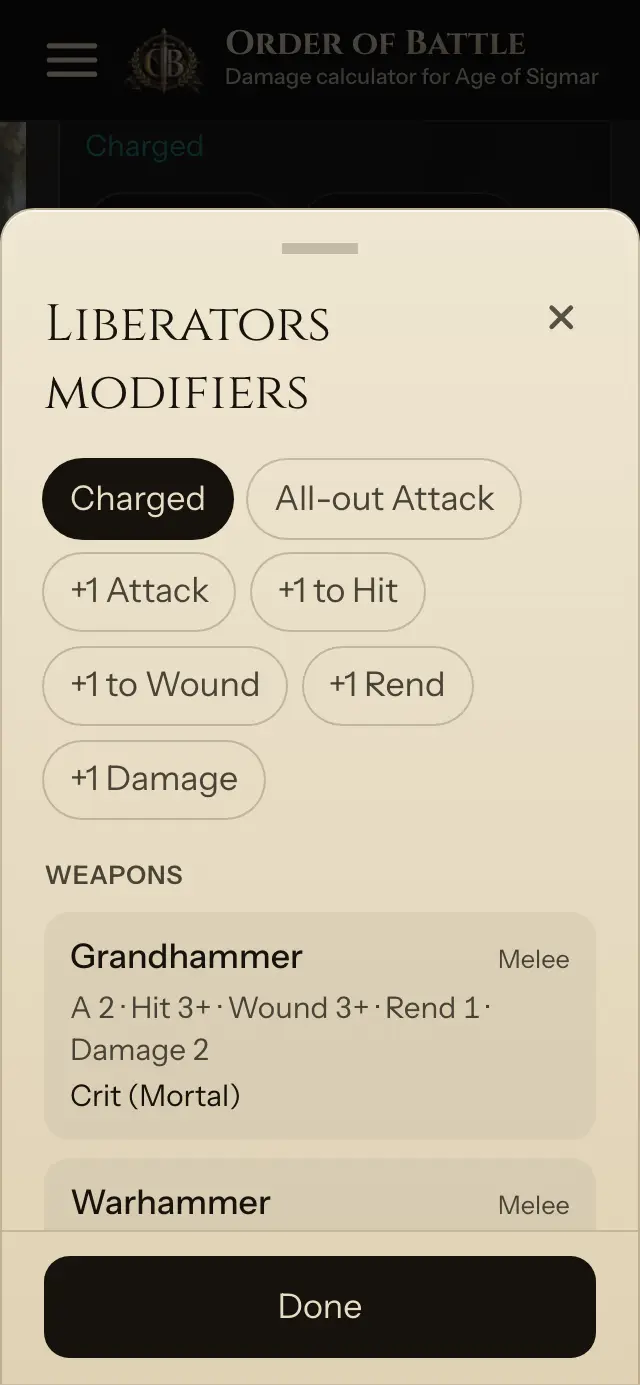
Step 4: Add modifiers
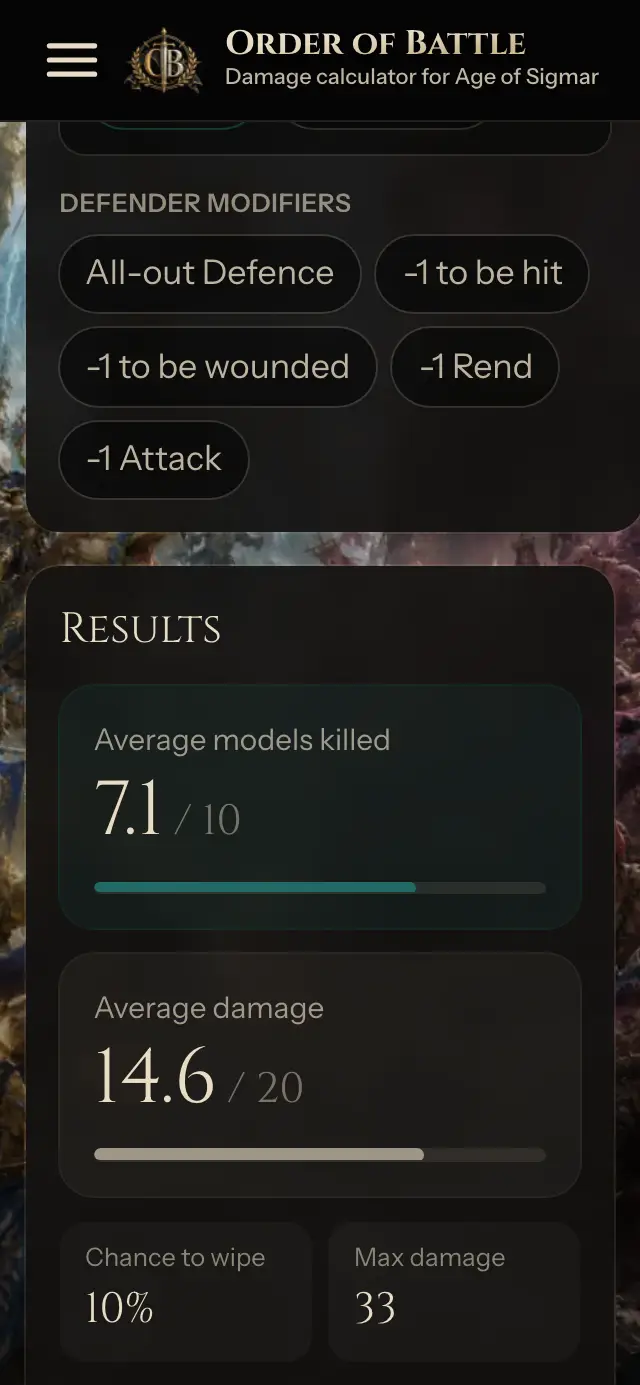
Tap Modifiers on an attacker for Charged, All-out Attack, +1 to Hit, +1 to Wound, +1 Rend, and more, then tap Done. Under Defender modifiers, tap All-out Defence, -1 to be hit, or -1 to be wounded. The numbers update as you change them.
Step 5: Read the results
Results show average models killed, average damage, chance to wipe the unit, and max damage. Change one pick and compare.
How the numbers are worked out
Hit, wound, save, ward, and damage, including crits and mortal damage abilities, are explained in the Combat Calculator guide.
Open Combat Calculator